Rebuilt the Safari extension, which now works on iOS 18 and newer
Clew only reads the page you're saving from. It no longer asks for access to all websites
If the popup closes before you save, any note, authors, and tags will be there when you reopen it (if
you haven't left the webpage)
Settings now shows whether the Safari extension is turned on and how to enable it
Saving from the share sheet is faster and more reliable
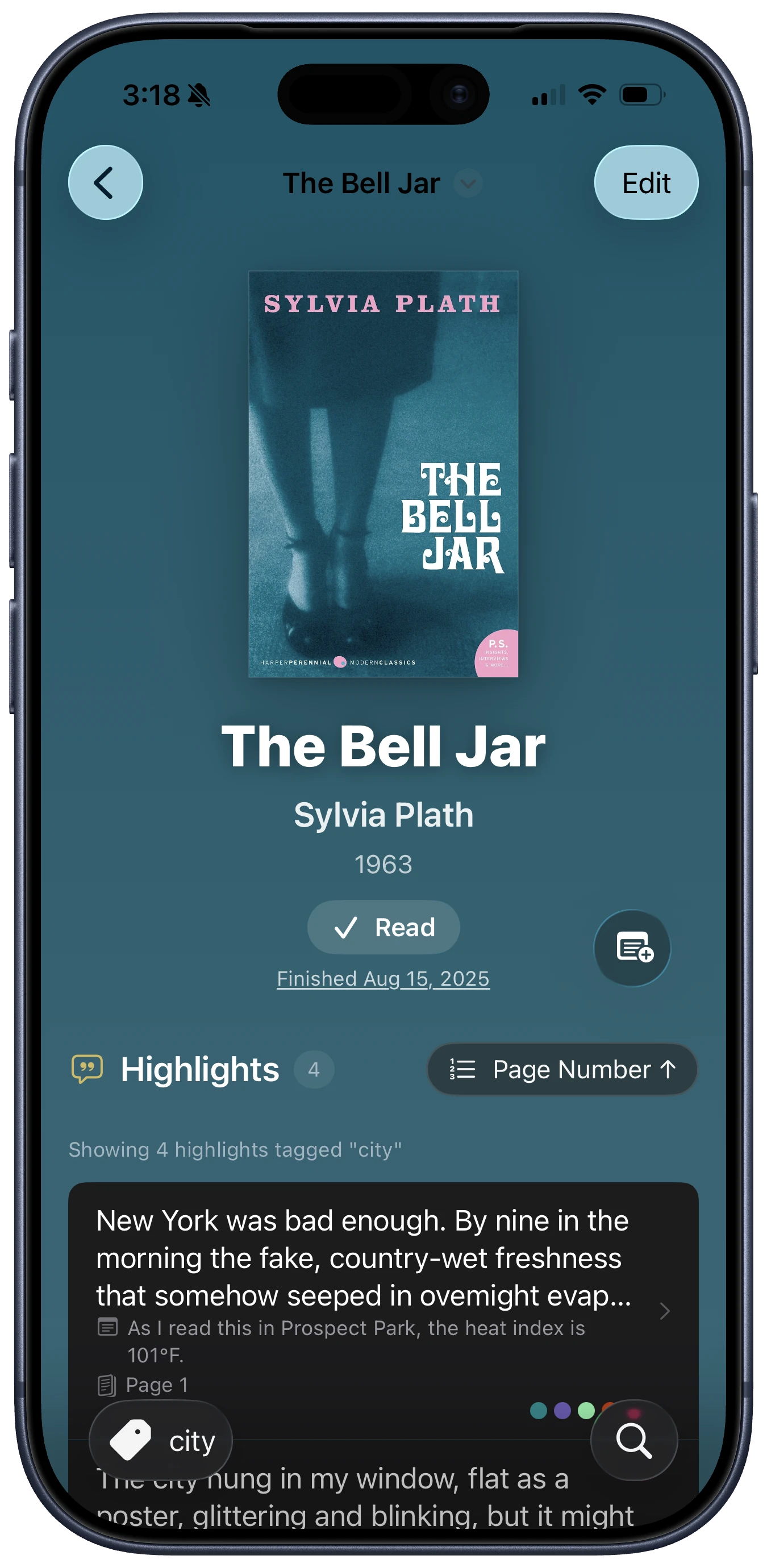
Tags now show as a colored list, and you can remove a tag by tapping the "x"
More improvements
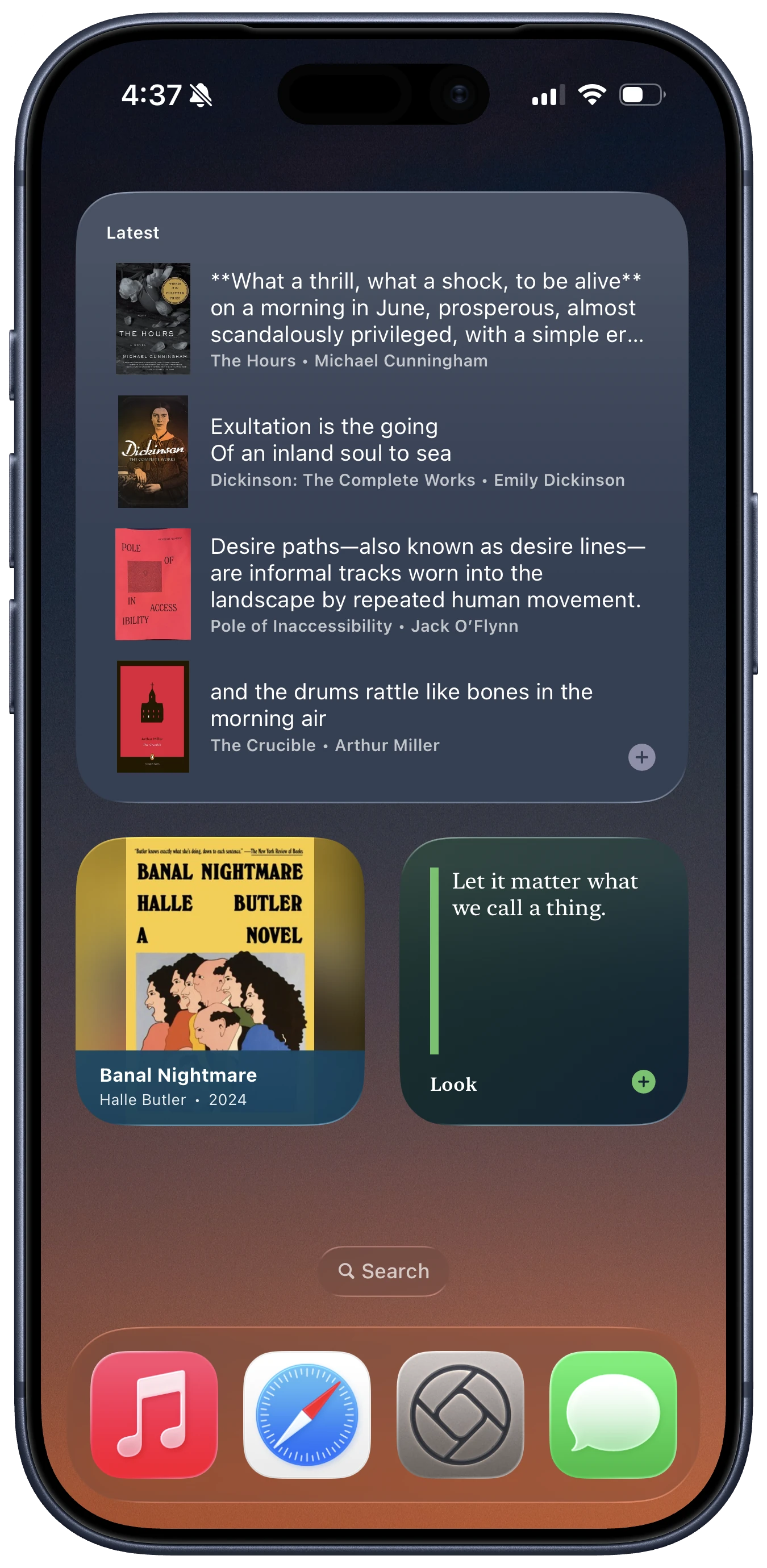
The multi-highlight widget has a new "Latest from Tag" option
Books, songs, web pages, and other sources now appear in Spotlight search
Tapping a TV or podcast episode in Spotlight opens that episode instead of its show
Song search now includes explicit tracks when you allow Apple Music access (no subscription needed)
(Clew doesn't see your music data or personal collection)
Bug fixes
Names and titles now update in the UI right away when you edit a source, author, or website
Save (⌘S) now works more reliably in sheets and forms
Sharing works correctly when you've selected multiple highlights
Renaming a tag no longer breaks widgets that were set to show highlights from that tag
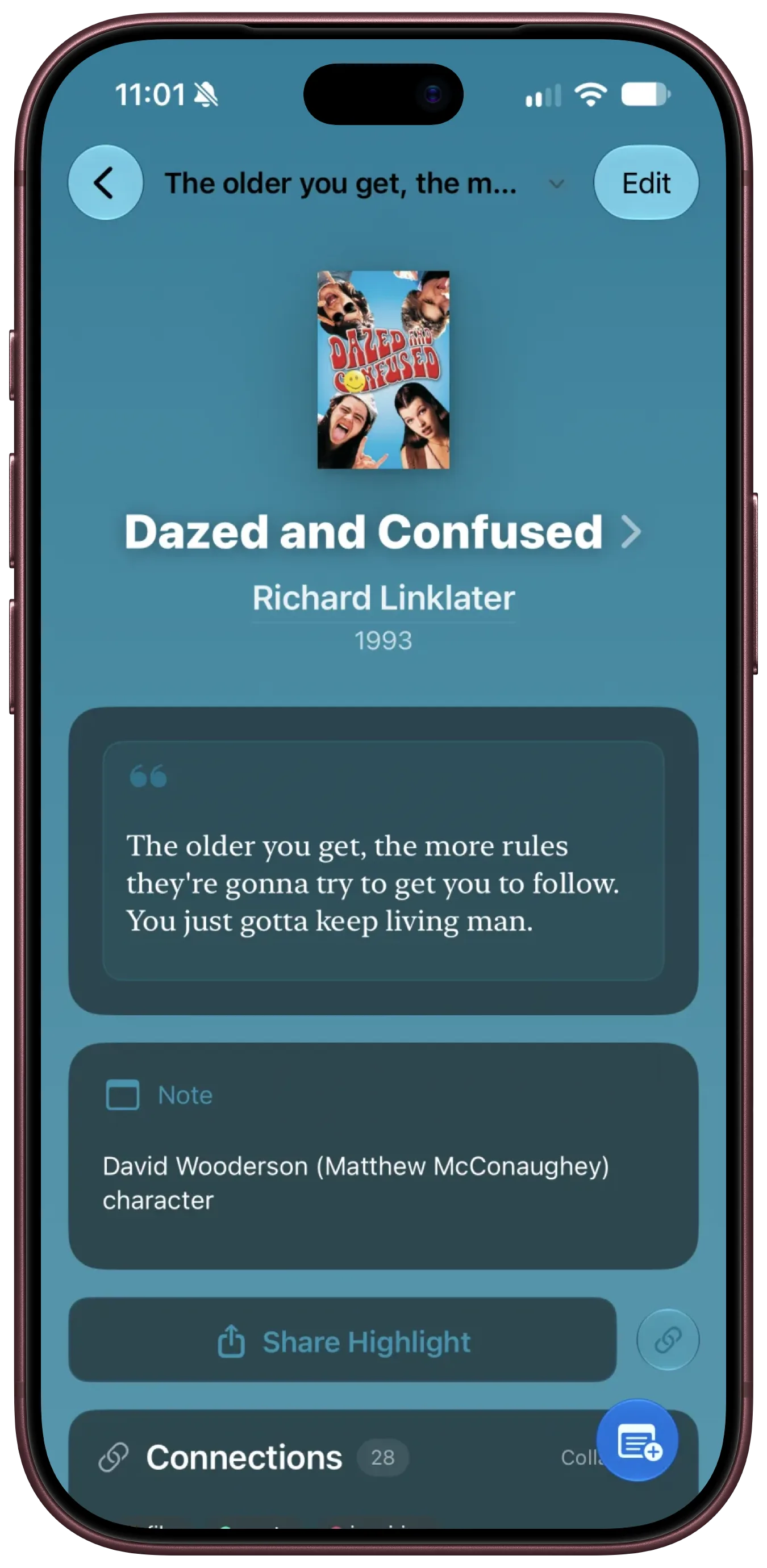
Clew 1.7 transforms the app from a place to store highlights from the things you read and hear to a library for every highlight, quote, and line you want to save from the silver screen, the small screen, and your headphones, too.
New features
New Source Types
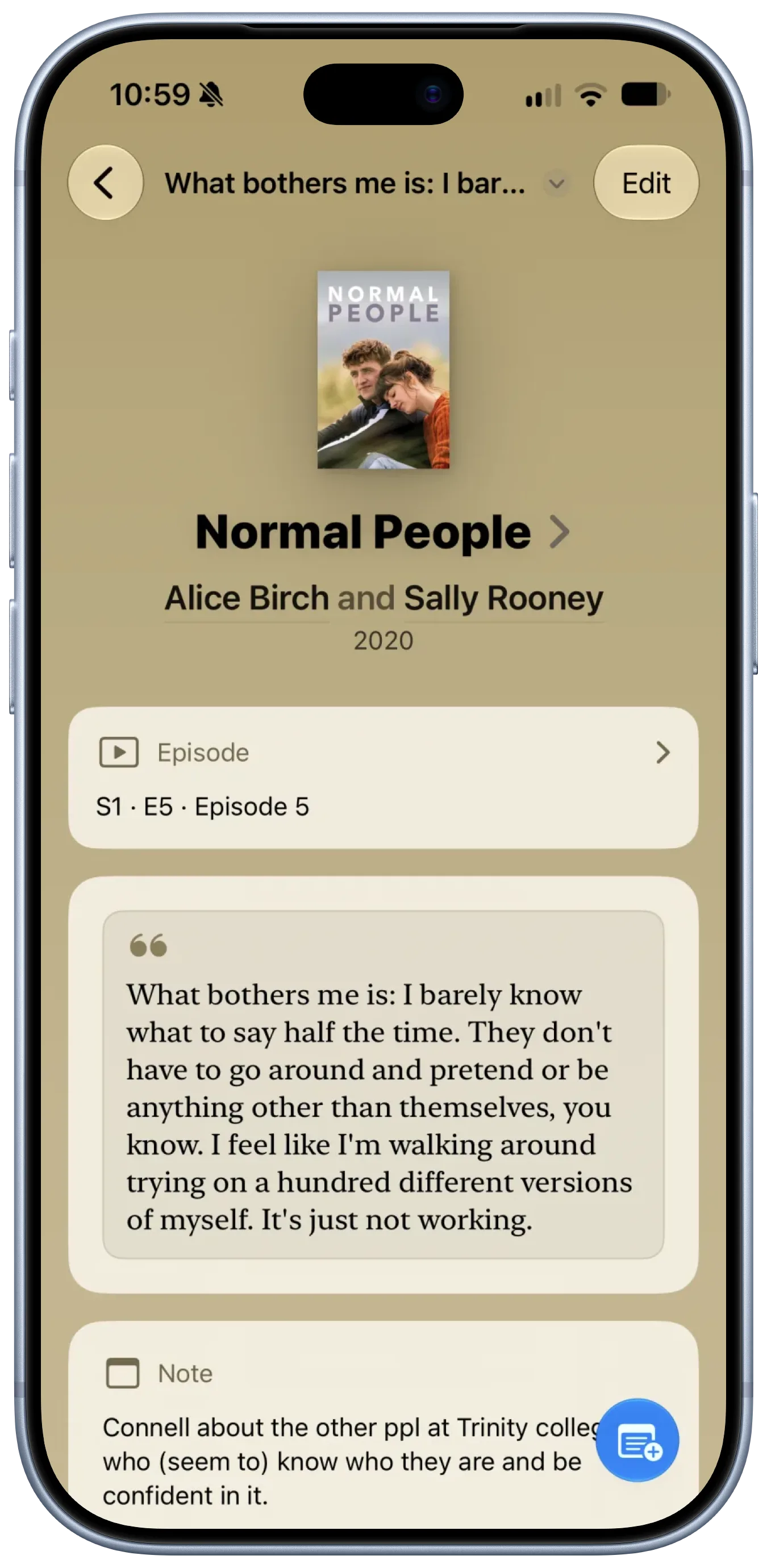
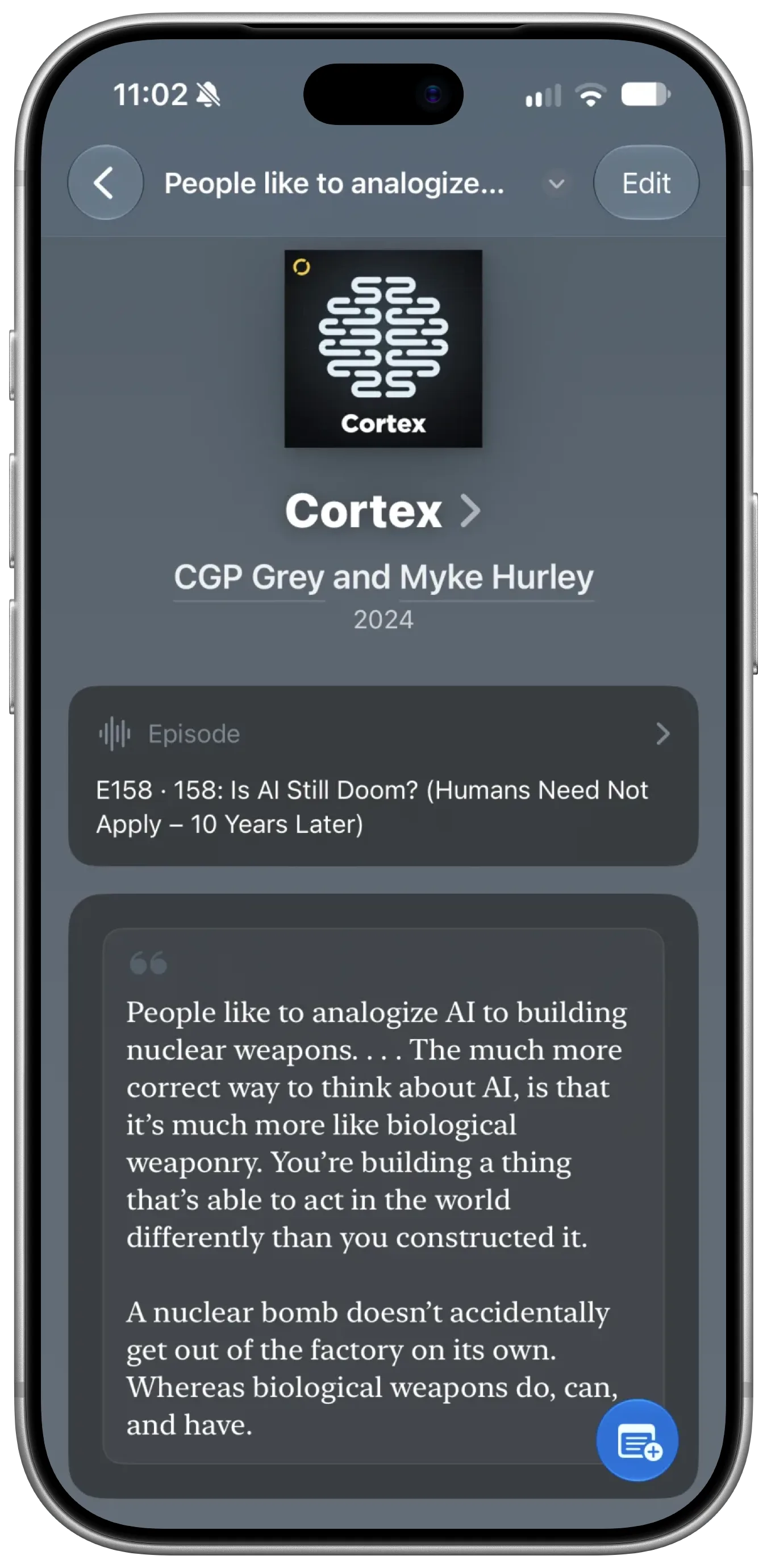
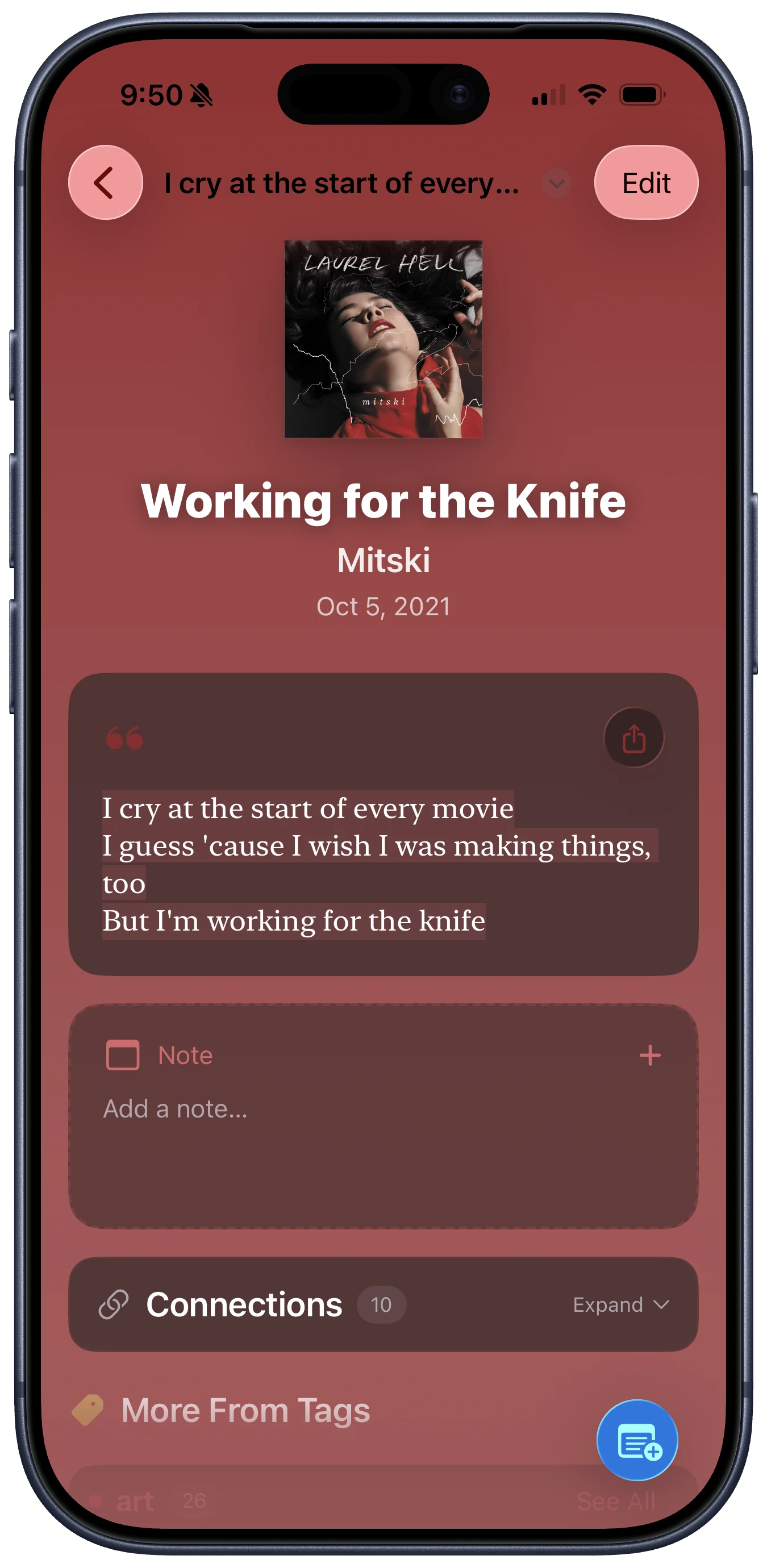
Save highlights from movies, TV shows, and podcasts! Posters, artwork, and credits are filled in
automatically for a rich view of each work. These join books, web pages, and songs as sources for your
favorite quotes and important notes.
You can attach a highlight to a specific TV or podcast episode, including specials and a show's full
back catalog. Or, simply choose the show/series.
Directors, screenwriters, creators, and podcast hosts get their own sections in People
Choosing a source for a highlight is easier than ever. One search field now finds sources in your
library and searches online across all source types.
More improvements
The share sheet in other apps now supports songs, movies, TV shows, and podcasts, and it recognizes
web URLs, Apple Music links, and Apple Podcasts links to save them appropriately.
Add the date when you finished a show, episode, or web page, and sort highlights by completion date.
Web pages now show their authors, when available.
In landscape mode on iPhone, detail pages use two columns.
Undo and redo now cover nearly every edit, including edits to highlights and widget themes, with
clearer action names. Whether you accidentally deleted an item or changed its note or authors, you
can now quickly undo with a shake.
Readwise Import now correctly imports podcasts as podcasts.
See one-tap capitalization suggestions when adding an author.
Spin the vinyl record on song highlights with your finger!
Bug fixes
Fixed a crash when undoing, and redo works properly again
Fixed duplicate highlights saved from the Share sheet and Safari extension
Fixed the Create Tag sheet sometimes failing to close on save, or saving a duplicate tag
Backups no longer lose cover art and use far less storage
Don't worry! The Clew you love is still free, and will stay that way. There'll be plenty of new free features coming soon.
Alongside that, I'd greatly appreciate your support as I continue to build this app! For that, I'm offering some premium extras as part of...
Clew Deluxe
An optional subscription that unlocks these special features, with more to come:
Highlight Cards: share any highlight as a beautifully designed image
Readwise Import: bring your Readwise library into Clew
Custom Widget Themes: design your own, or start from a built-in
Other improvements
Each tab of the source picker now opens with the books, pages, and songs you used most recently, so
you're not scrolling to find them.
The iCloud screen tells you whether your library is actually syncing — and when it isn't, why:
storage full, signed out, or offline.
The Create Highlight action in Shortcuts now takes a source, page, link, tags, a pin, and a date, and
hands back the new highlight so you can build on it.
Dashboard cards are color-coded, and the dashboard scrolls with your collections on iPhone instead of
staying pinned to the top.
Fixed
Tapping a stat now opens the correct list on iPhone instead of just closing the sheet.
App settings are now properly backed up and can be restored.
Clew 1.5 is the biggest update yet—a new iPad experience, a redesigned look for sources and
highlights, on-device Apple Intelligence, better bulk import options, and a whole lot more.
New features:
A New Way to Navigate on iPad 🖥️
Clew now uses a three-column layout on iPad—collections, your list, and the detail view side by
side. With a hardware keyboard you can drive the whole app: arrow keys to move between columns, ⌘F
to search from anywhere, ⌘1–8 to jump between sections, ⇧⌘O for Quick Search,
and
⌘⌫ to delete.
A Redesigned Look for Sources and Highlights 🎨
Book, song, album, and web page pages have been rebuilt around a color wash drawn from the artwork
itself, with a contained jacket layout on iPad. Highlight pages get a source-themed footer, a cleaner
card surface, one consistent color hierarchy, and a marker stroke behind the quote that follows the
words instead of boxing them.
Get Started Faster 👋
New to Clew? A first-run welcome walks you through the app, with optional starter highlights you can
explore and clear out whenever you like.
Built on Apple Intelligence ✨
Clew now uses Apple's on-device foundation models to understand your library. Tag suggestions read what a
highlight is actually about to suggest existing and new tags. This runs on device—your highlights
never leave it, and no data is shared.
Import from Spreadsheets 📄
Bring in highlights from CSV and XLSX files, with columns matched for you automatically. Imported books
are enriched with covers, ISBN, and publication year.
Other new and improved features:
Siri, Shortcuts & Spotlight—App Shortcuts and Siri intents (search
highlights, quick-save, get highlights by source, Open in Clew), plus full Spotlight indexing of
your library.
Multi-window support—open highlights in their own window on iPad.
Drag and drop highlights between tags and sources.
AI tag suggestions for untagged highlights, right in the detail view.
Selectable text—select ranges of highlight and note text.
Typography—set text size across the whole app, and give the quote on a
highlight's page any font installed on your device.
Stats: Standouts—record-holder cards for your longest, most-tagged, and
most-revisited highlights, plus year-in-review stats.
Widgets—song artwork, a new artwork-split layout that pairs the cover art
with the quote, and refreshed built-in themes.
Streamlined list controls—filter chips and sort menu combined into one row
with a sort-direction arrow.
Filter by Tag in reach—on iPhone the tag filter moves into the bottom bar
beside search on a source's page, so filtering and searching the same list sit together.
Delete confirmation now counts the highlights attached to a book, web page, or
song, and lets you delete them alongside it or keep them.
Faster source attachment—Add Source is one tap into the picker, and source
detail pages keep an add-highlight button in reach as you scroll.
Better undo/redo descriptions when you shake your device or use three-finger gestures.
Book search now defaults to Apple Books everywhere.
Here's what's better in Clew v1.4.6—available now!
New features:
Improved Scanner and Photo Import 📷
Use the camera button to take a photo of a book's page or import images from your camera roll. The button
is on the main highlights list and above the highlight text box when creating or editing highlights.
Bulk photo import is better too: tap a page's thumbnail when reviewing it to open a full-size Live Text
view of the photo, where you can highlight right on the photo to select text.
New Related Clusters and Connections 🔬
Find Connections between highlights that share 2 or more tags with each other, and see Clusters of
highlights that share exactly the same sets of tags.
Other improvements:
Improved source creation via web API search when creating a highlight.
Fixed a bug where the camera view's close (X) button didn't work.
A bunch more lil bug fixes.
If you love Clew, I'd be grateful for a rating in the App Store. If you have a
suggestion or noticed a bug, contact me.
Quickly capture highlights from multiple book pages or documents using the camera. Now, you can finish a
chapter—or even a whole book—and then add all your annotations to Clew at once. This includes improved
metadata extraction and book auto-selection, better margin detection and page recognition.
On-Device AI Insights (Beta - iOS 26+) ✨
For devices with Apple Intelligence, Clew now discovers meaningful connections in your highlights. Echo
Detection finds highlights with similar themes, Cross-Pollination reveals connections across different
books and sources, and Tag Evolution shows how your interests develop over time. All AI processing
happens privately on your device with no data sent to external servers.
Your Library, Visualized 📊
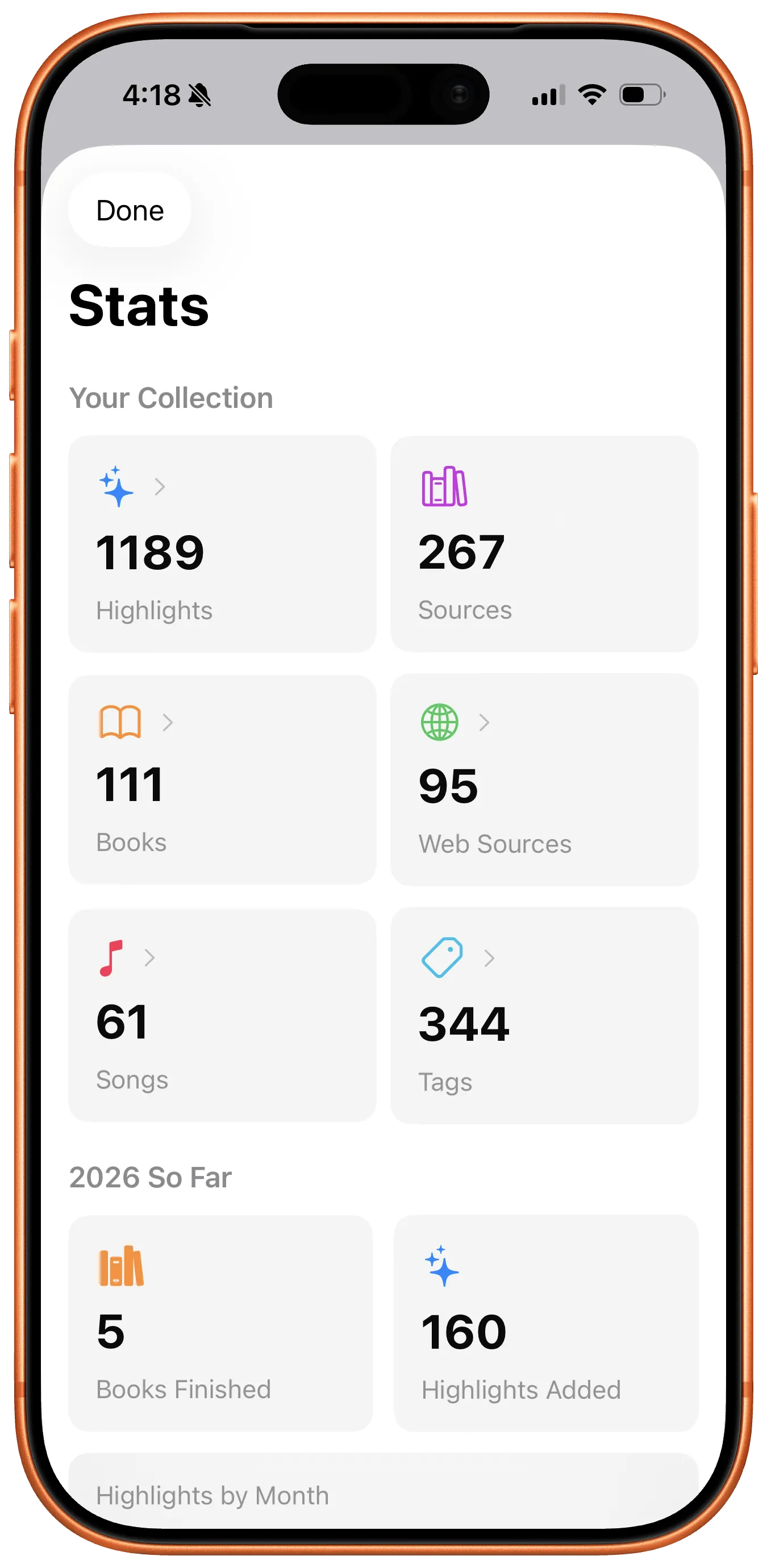
A new Stats view shows your reading patterns at a glance. See your most-used tags, track highlight counts
over time, and discover insights about your collection through beautiful charts and graphs.
Other improvements:
Smarter book covers
Smarter backup management
Improved Dynamic Type support for large text
A smoother experience on the Mac
Fixed book web search
Fixed author name matching
Fixed disappearing paste and hide keyboard buttons
Thank you for using Clew! If you love it, I'd appreciate a rating in the App Store. If you have a
suggestion or noticed a bug, contact me.
The Clew app just got even better! Here's what's new.
New features:
I've added a tip jar! If you love using Clew, you can show your support with a selection of tip
options in settings.
Fixes:
Fix: The Share extension now properly shows a webpage's title instead of arbitrary numbers.
Fix: Recently created and selected sources now appear for quick selection when creating a
highlight. You can customize the number of items to show in settings.
Thank you for using Clew! If you love it, please leave a rating in the App Store. If you'd also like to
leave a review, I'd appreciate
it!
And if you're feeling especially generous, check out the tip jar and help power upcoming feature
development! ☕️
My collection in Clew has more than 1,000 highlights at this point, and I noticed that a previous change
had made navigating around the app weirdly slow and laggy, especially with large collections. So, I
fixed that, and now the app is snappy and buttery smooth to use again!
New features:
Share Highlights: Quickly share your
highlights as text or Markdown to friends
and other apps.
Shortcuts Integration: Quickly save text as highlights via the iOS Shortcuts app and
Siri. Much more to come!
Huge performance improvements: Even
with thousands of items in your
collection, lists and detail views will
load quickly, scroll smoothly, and respond
instantly.
Other improvements:
Fixed potential sync issue between
devices.
Better grouped views for browsing
your content by people, websites, and
albums.
Scanner improvements, with better
paragraph detection, margin handling, and
smart hyphen removal.
Quick navigation menus in detail
views so that you can jump from a detail
view to another list view right from the
top menu bar.
Smart image quality enhancement
system.
Better author/artist management with
auto-matching and creation.
Year published sort option for
books.
Selectable ISBN on book
details.
Get ready, because your Clew experience is about to change in big ways this fall.
Clew 1.1 has some exciting improvements in the
way the app looks and what you can do with it.
New features:
Redesigned for LIQUID GLASS: You'll
see glassy elements in the buttons,
toolbars, and more!
MUSIC SUPPORT: In addition to books
and web pages, you can now use songs as
sources for your highlights. You'll see
the album artwork along with artist
information, and you can even group songs
by albums.
Intelligent Tag Suggestions:
AI-powered tag suggestions when creating
highlights.
Redesigned Widget System: New lock
screen widgets, Control Center widgets,
configurable widget themes, and an
optional quick-add "+" button to add a new
highlight directly from a widget.
Even more improvements:
Enhanced list and item views, a
quick navigation menu, and new
customization options.
Overhauled book page scanner for
even faster highlight creation.
Keyboard shortcuts and search,
including Command+Shift+H to create a new
highlight from anywhere.
Improved backup and restore system,
including a complete settings backup, as
well as advanced data management
features.
Share extension improvements.
Many, many bug fixes.
Get ready, because your Clew experience is about to change in big ways this fall.
WIDGET CUSTOMIZATION: Personalize your home screen and lock screen widgets with font styles,
text color, background color, and more. With widget themes, each of your widgets can have a
different style.
BACKUP AND RESTORE get new features: Your complete database is already backed up automatically
once per day. You can also manually back up at any time. Now, it's easier than ever to
completely restore from a backup. Or, choose Compare with Backup to compare your current data
with any backup so that you can easily restore specific items if you accidentally deleted
something.
BETTER SCANNER: The scanner continues to improve, with better handling of paragraph breaks and
punctuation.
ACCESSIBILITY: The app's UI components are now more accessible with VoiceOver.
More improvements:
The add highlight button is now conveniently visible on all views.
Widgets are more interactive - you can tap a book title or author name to quickly open that
page.
You can filter highlights by untagged or tagged only, in addition to showing all.
The web search for autofilling new book information has better, more comprehensive results from
multiple sources. It also now uses a work's original publication year instead of the specific
edition's publication year.
When editing a highlight, tapping Add Note will automatically focus the note text editor, and
tapping Add Tags will automatically show the select tags sheet.
The plus (+) button on widgets is optional now. You can add/remove it by tapping and holding on
a widget and choosing Edit Widget.
There's a new, convenient Add Source button when you're viewing a highlight that doesn't have
one yet.
As always, check out the Roadmap to see what's coming next!
Clew 1.0.3 brings a few new features and enhancements. There's a new scanner button, which you can
use to quickly snap a photo of a book page or document and select the text you want to add as a
highlight. The scanner will conveniently separate it into paragraphs or sentences.
When you scan a book page, Clew now looks for the title, author, and page number in the margins and
automatically applies that information to the new highlight or suggests book options if it finds
multiple matches in your library.
You can also now sort books by their number of highlights.
As always, check out the Roadmap to see what's coming next!
Clew 1.0.1 is a minor update that improves iCloud syncing, adds intelligent tag suggestions when
editing highlights, and includes some other visual enhancements to the app and Share Sheet
experience.
Check out the Roadmap to see what else is cooking.
After 12 TestFlight builds and 4 years of development, Clew is live on the App Store and available to
download for free.
"Clew was born from a simple idea—what if your highlights, thoughts, and margin notes could
follow you anywhere, across all your books and media, rather than be trapped in individual apps and
platforms?"
Thank you to all the beta testers who helped make this possible! Your feedback and suggestions have
been instrumental in creating version 1.0 and directing where Clew will go in the future.